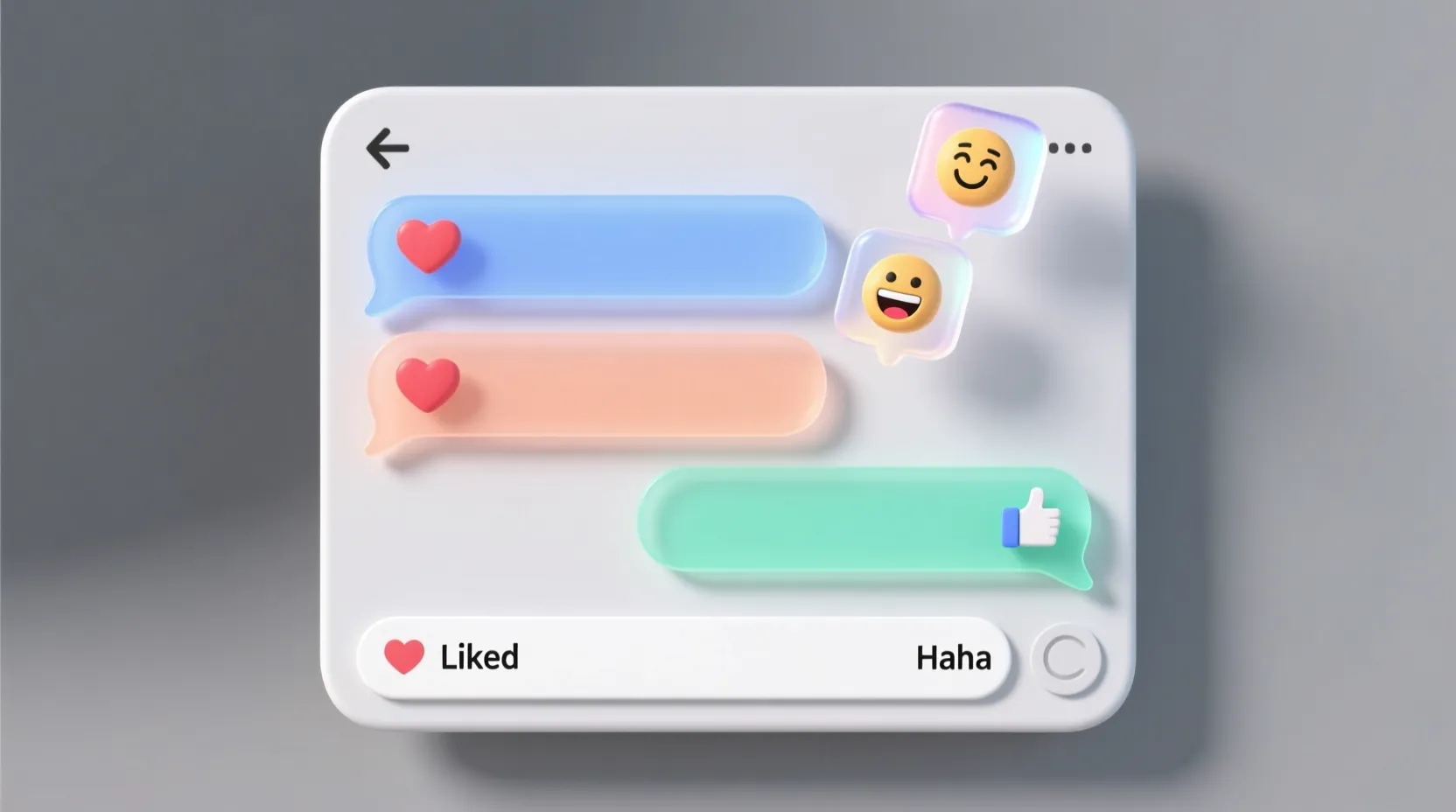
If you’ve ever been in the middle of a busy chat and suddenly saw someone “❤️ your message” or “👍 reacted to your text,” you’re not alone. The first time I saw a friend laugh-react to something I said, I stared at my screen wondering… Was that good? Bad? Did they actually read what I wrote or did they just tap something by mistake?
Reactions used to feel like a secret language — tiny icons packed with hidden tone and meaning. But today, they’re one of the most common ways people respond quickly without typing a full message.
Quick Answer: Reactions in online messages are small emoji-based responses (like 👍❤️😂🔥) used to show emotions or acknowledge a message without sending a full text. They’re a fast, casual, and expressive way to communicate digitally.
🧠 What Do “Reactions in Online Messages” Mean?
Reactions are emoji-like responses that you tap on a specific message to show how you feel about it. Instead of replying with a full sentence, you can just react using:
- 👍 Like
- ❤️ Love
- 😂 Laugh
- 😮 Wow
- 😢 Sad
- 😡 Angry
- 🔥 Fire
- 💯 100
- And many platform-specific variations
They help express tone instantly — agreement, support, appreciation, amusement, or even frustration — without typing a single word.
Example:
Friend: “Just got the job!”
You: ❤️ reacts to the message
In short:
Reactions = Quick Emoji Responses = Fast emotion or acknowledgement.
📱 Where Are Reactions Commonly Used?
Reactions appear almost everywhere online now. They’re built into most messaging and social platforms.
Here’s where you’ll see them most:
🔹 Social Media
- Facebook — the original home of message reactions
- Instagram DMs — double-tap ❤️ or choose other emojis
- Twitter/X DMs — tap and hold to react
🔹 Messaging Apps
- WhatsApp — supports multiple emoji reactions
- Telegram — animated reactions
- iMessage — tapback reactions (❤️👍😂‼️❓)
- Messenger — full emoji picker
🔹 Work + Collaboration Tools
- Slack — heavily reaction-based for fast acknowledgment
- Microsoft Teams
- Discord — custom server emoji reactions
💬 Tone Classification
- Casual: WhatsApp, Instagram, Snapchat, Messenger
- Social Media-Friendly: Facebook, TikTok comments
- Semi-Formal: Slack, Teams
- Not recommended for formal situations: Email, business proposals, professional documentation
💬 Examples of Reactions in Conversation
Here are realistic, modern chat-style examples showing exactly how reactions are used:
1.
A: “I uploaded the photos!”
B: 👍 reacted
2.
A: “Guess who finally finished the assignment 😭”
B: 😂🤣 reacted
3.
A: “Made you some tea ☕ downstairs”
B: ❤️ reacted
4.
A: “Running 10 mins late”
B: 😮 reacted
5.
A: “Bro, you won’t believe what happened today…”
B: 👀 reacted
6.
A: “I’m feeling kinda low today.”
B: 😢 reacted
7.
A: “New personal best at the gym 🔥”
B: 💯🔥 reacted
These reactions replace short replies like “nice,” “same,” “oh no,” or “lol.”
🕓 When to Use and When Not to Use Reactions
✅ When to Use Reactions
- When you want to acknowledge a message quickly
- When the chat is casual or friendly
- When you don’t feel like typing a full reply
- When the conversation is happening in a busy group chat
- When you want to add emotion without words
- When you want to show appreciation or support
❌ When NOT to Use Reactions
- In formal or professional emails
- When someone shares serious or sensitive information
- When a situation needs a thoughtful written response
- When reacting might seem dismissive
- When clarity matters more than emotion
📊 Comparison Table: Reactions vs Typed Responses
| Context | Example Phrase / Reaction | Why It Works |
| Friend Chat | “No stress 👍” or just a 👍 reaction | Casual & friendly acknowledgment |
| Group Chat | ❤️ or 😂 on a funny message | Keeps the chat organized without spam |
| Work Chat (Slack/Teams) | “👍” reaction to confirm | Quick, professional, non-intrusive |
| Work Email | “Please review the document when free.” | More formal and clear |
| Serious Conversation | Typed response instead of just 😢 | Shows empathy and effort |
🔄 Similar Slang Words or Alternatives
Here are other texting shortcuts and slang used for quick acknowledgment or emotional response:
| Slang | Meaning | When to Use |
| LOL | Laughing out loud | When you want to show humor with text |
| OMG | Oh my God | For surprise or shock |
| TY | Thank you | When you want polite acknowledgment |
| ICYMI | In case you missed it | For sharing updates in group chats |
| IKR | I know, right? | When agreeing with someone |
| FR | For real | To show strong agreement or emphasis |
These aren’t reactions but serve similar quick communication purposes when emojis alone aren’t enough.
❓ FAQs About Reactions in Online Messages
1. Are reactions considered replies?
Yes — they count as a form of quick reply, especially in casual or group conversations.
2. Do reactions replace typing?
Not completely. They’re great for small acknowledgments but not for detailed or important conversations.
3. Are reactions rude?
Not usually. However, reacting (especially with 👍) in a serious or emotional conversation might feel dismissive.
4. Can you use reactions in work chats?
Yes — Slack, Teams, and Discord rely heavily on reactions for quick communication. Just avoid using overly cute or silly emojis unless the team culture allows it.
5. Can reactions be misinterpreted?
Absolutely. For example:
- 👍 may feel passive-aggressive to some
- 😂 on something not meant to be funny can feel rude
- ❤️ might feel too flirty in some contexts
Always consider your relationship with the person.
6. What does a double ❤️ reaction mean?
Some apps allow extra-emphasis hearts or animated reactions. They show extra appreciation, affection, or excitement.
7. Are message reactions the same across all platforms?
No.
- iMessage has “tapback” icons (❤️👍👎😂‼️❓).
- Instagram uses ❤️ by default.
- WhatsApp supports full custom emoji reactions.
- Slack allows custom server emoji reactions like 🐸✨🔥.
8. Why do people react instead of replying?
Because it’s fast, convenient, less spammy in busy chats, and expresses tone better than plain text.
9. Are reactions more popular than replying?
In group chats, yes. Reactions help reduce message clutter and keep conversations clean.
10. What does it mean if someone reacts immediately?
Usually that they’re online and saw your message — but it doesn’t always mean they want to start a long conversation.
Conclusion
Reactions in online messages have completely transformed how we communicate, making chats faster, clearer, and more expressive. Whether it’s a quick 👍 to show agreement, 😂 to react to something hilarious, or ❤️ to show appreciation, message reactions help users respond instantly without typing a full sentence. They reduce misunderstandings, enhance emotional clarity, and keep conversations flowing smoothly—especially in group chats where messages move quickly.
As digital communication becomes more visual and emoji-driven, reactions play an even bigger role in expressing tone, personality, and mood. They help strengthen relationships, improve engagement, and make conversations feel more human, even behind a screen. So next time you don’t feel like typing, just tap a reaction—it speaks louder than words!

Mark Twain was born in Florida, Missouri, and grew up in Hannibal, a town along the Mississippi River that later inspired many settings in his famous novels. After his father’s death, Twain left school early and worked as a printer, riverboat pilot, journalist, and lecturer experiences that deeply influenced his writing.